Create with ease
Choose a structure and base shape, then enter only the dimensions you need—no advanced 3D modeling experience required.
 View products한국어
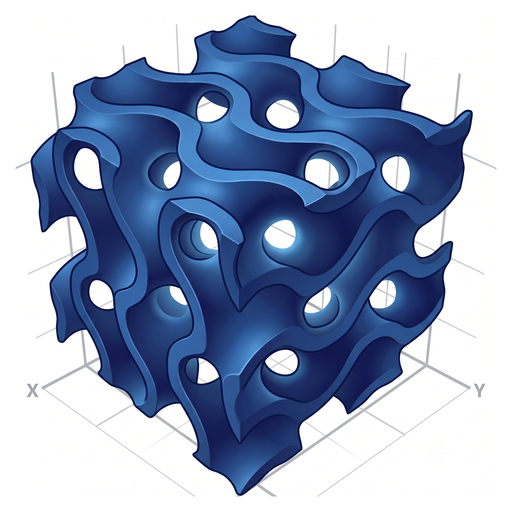 Mobile & PC
Create TPMS and truss lattice structures without advanced 3D modeling experience. Enter a few dimensions, inspect the result, and export it as an STL file.
The Windows PC version is available on Microsoft Store. The Google Play version is currently in beta.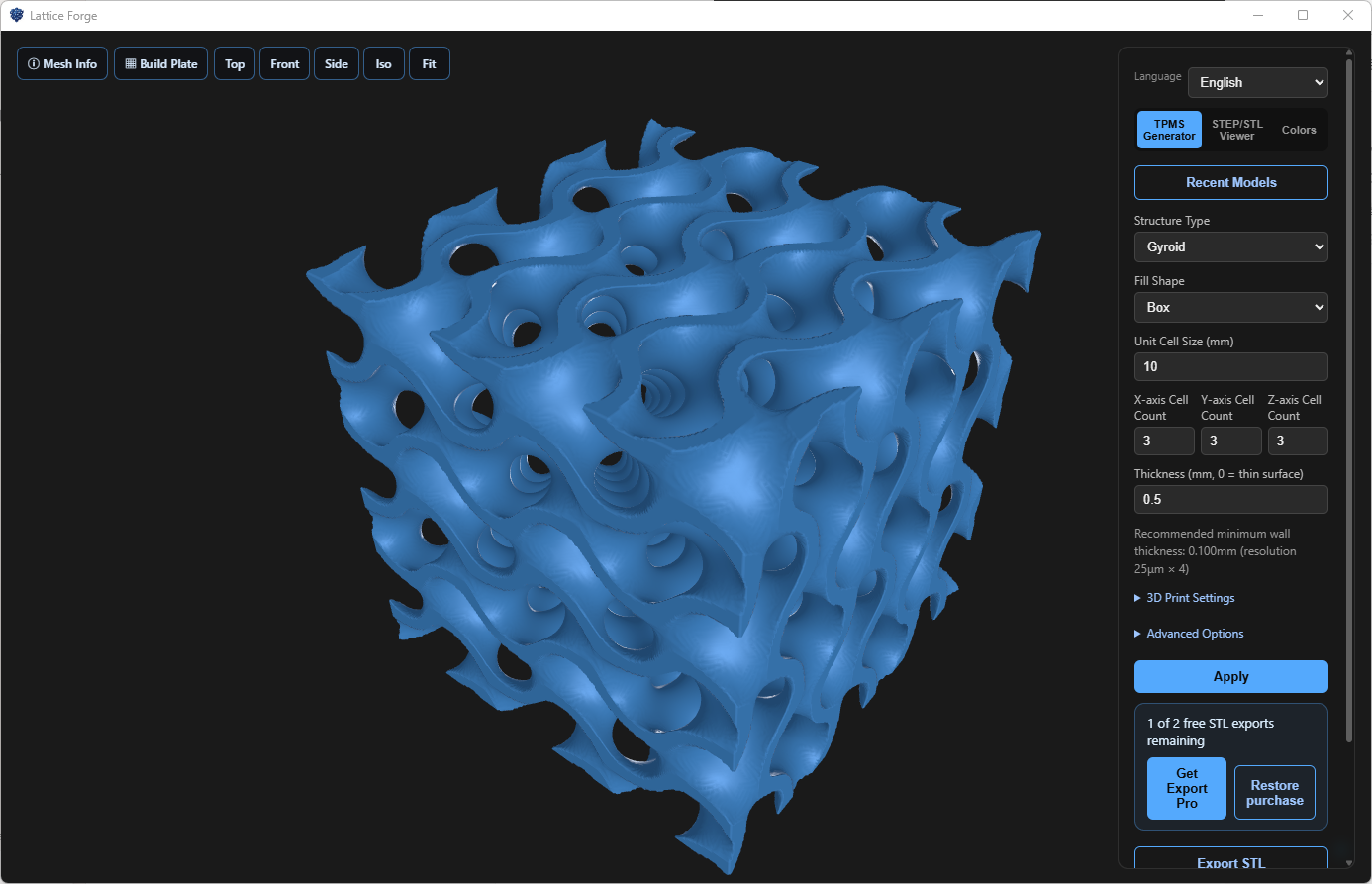
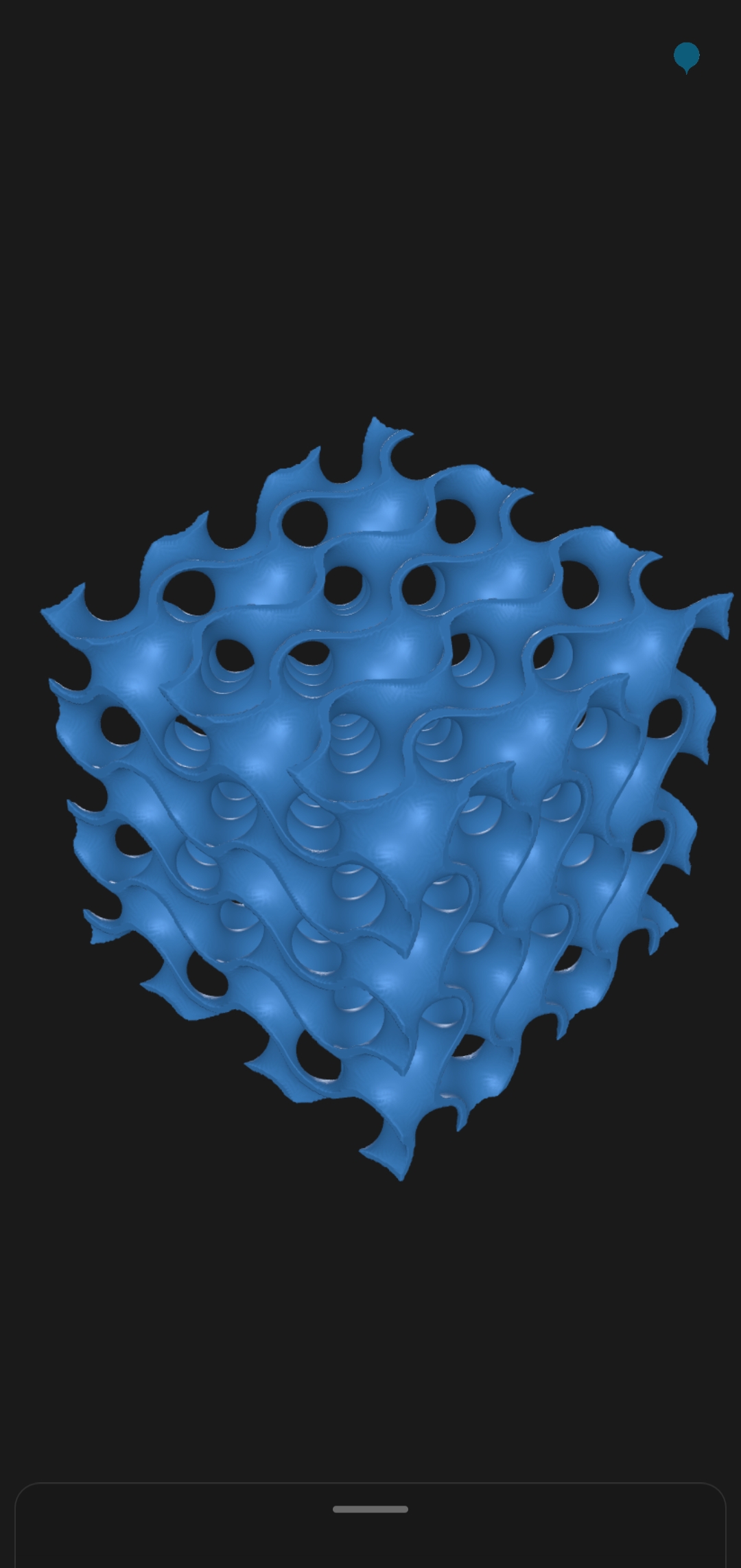
DESIGN WITHOUT THE BARRIER
New to lattice structures? Start with a focused set of choices and see every change immediately in 3D.
Choose a structure and base shape, then enter only the dimensions you need—no advanced 3D modeling experience required.
Rotate and zoom the generated structure in real time to inspect its shape from every angle.
Export an STL file and continue in your CAD, slicer, or 3D-printing workflow.
CHOOSE YOUR WORKSPACE
Work with precision at your desk or explore quickly on the move. Choose the screen that fits the moment.
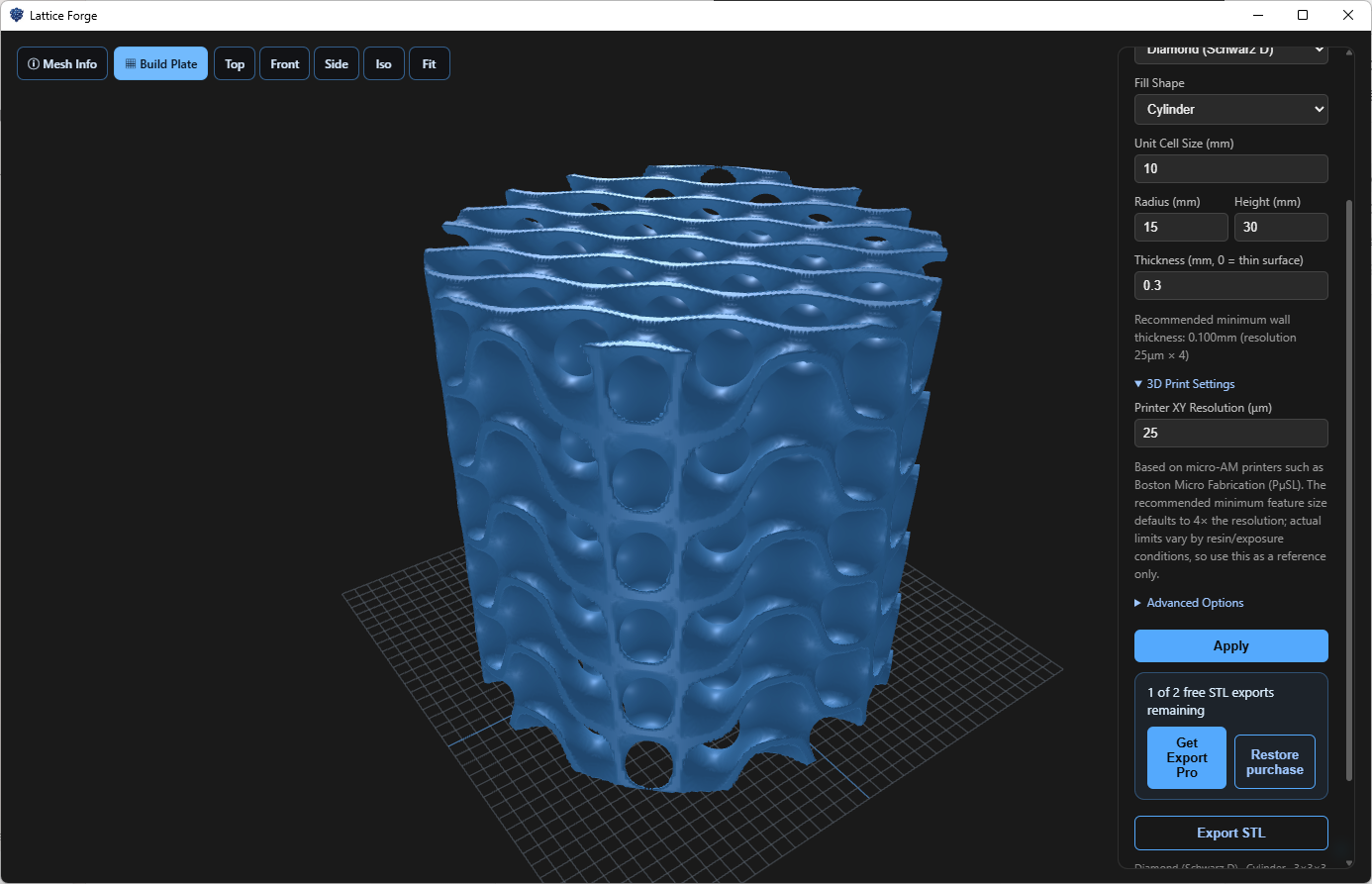
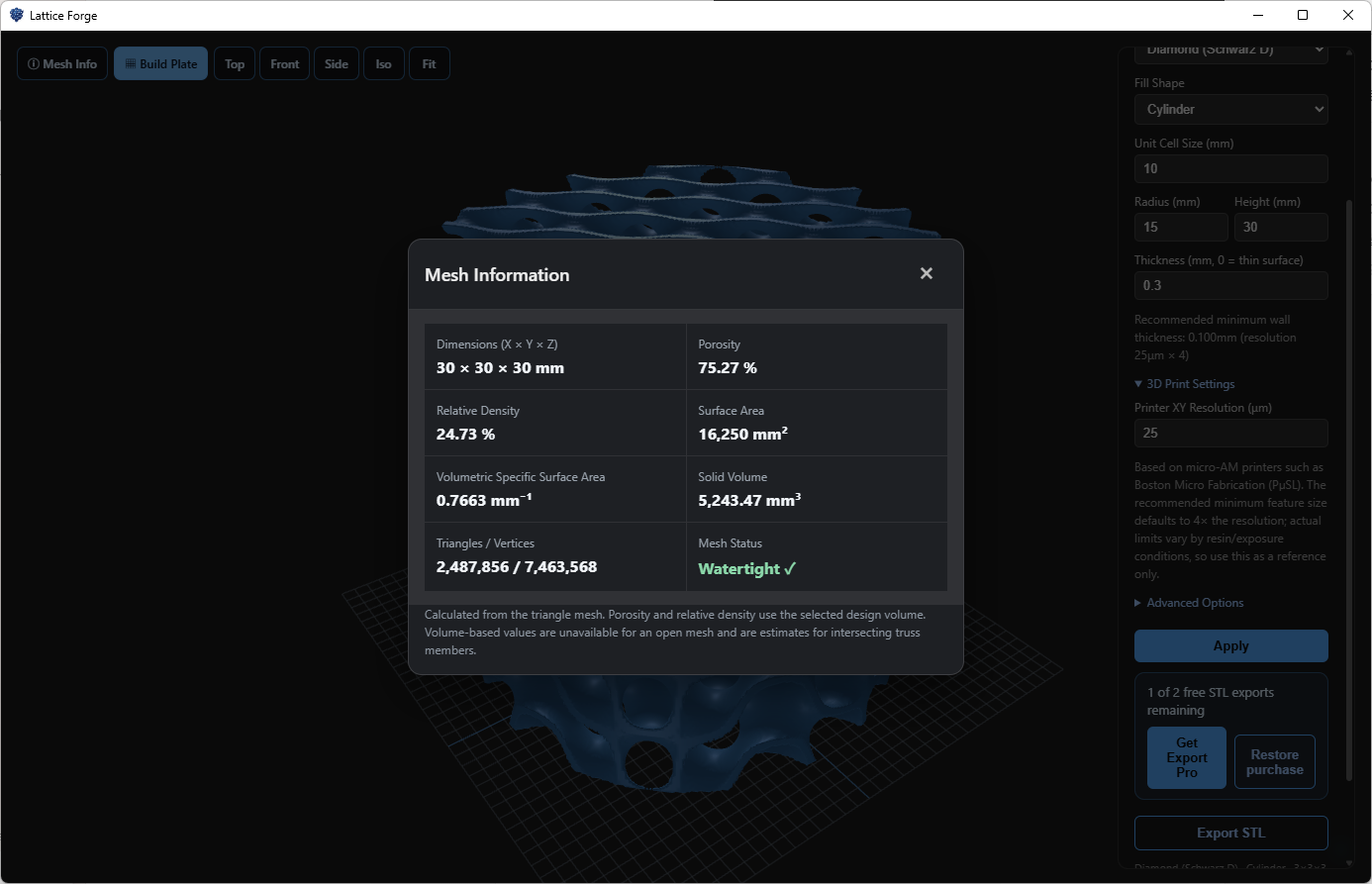
Keep the 3D model and settings visible at once while checking views, build-plate placement, and mesh information.
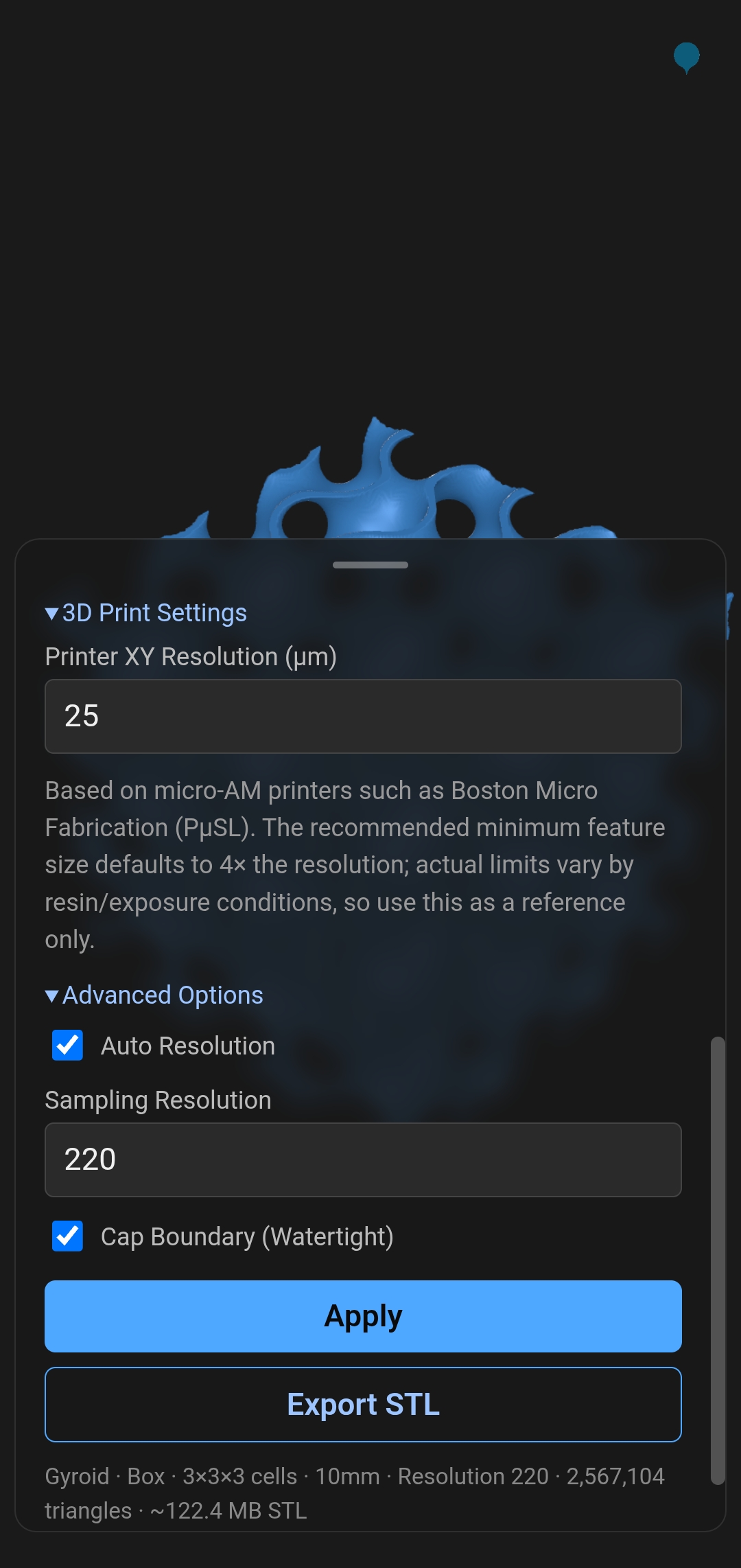
Rotate models by touch and open a bottom sheet only when you need to adjust settings in the field, classroom, or workshop.
FOUR SIMPLE STEPS
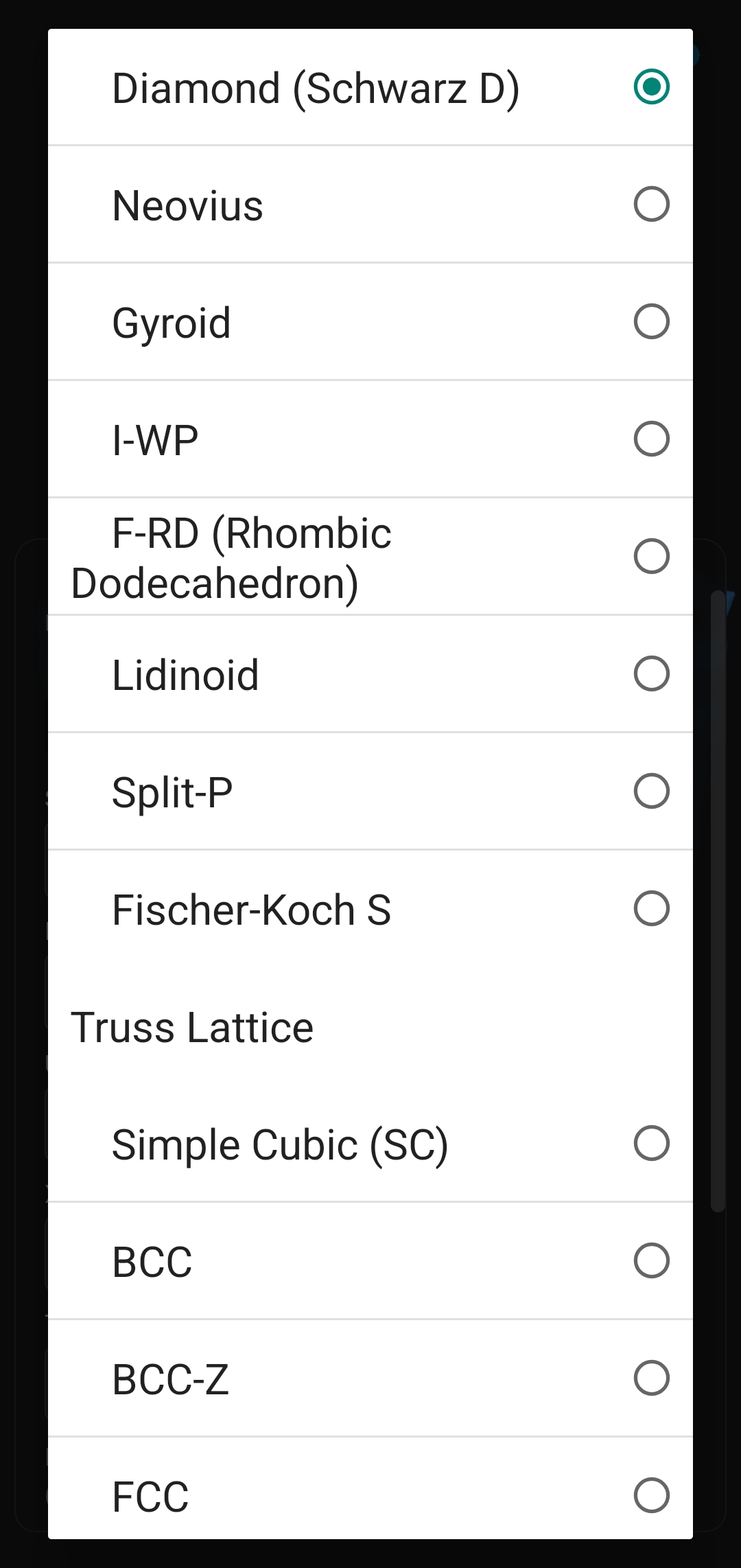
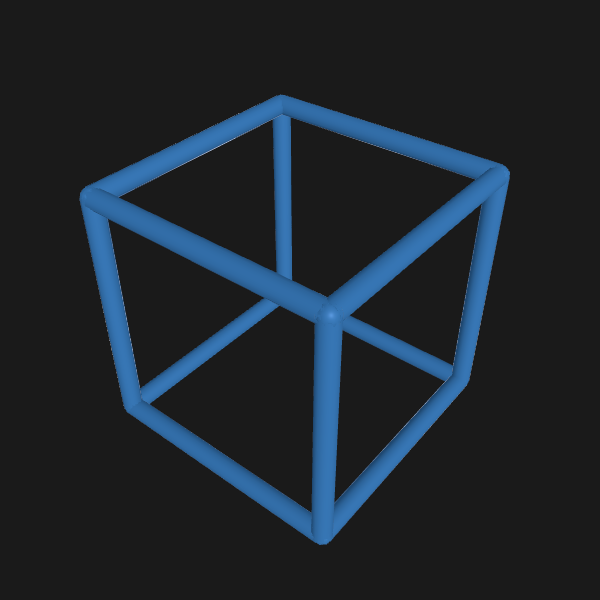
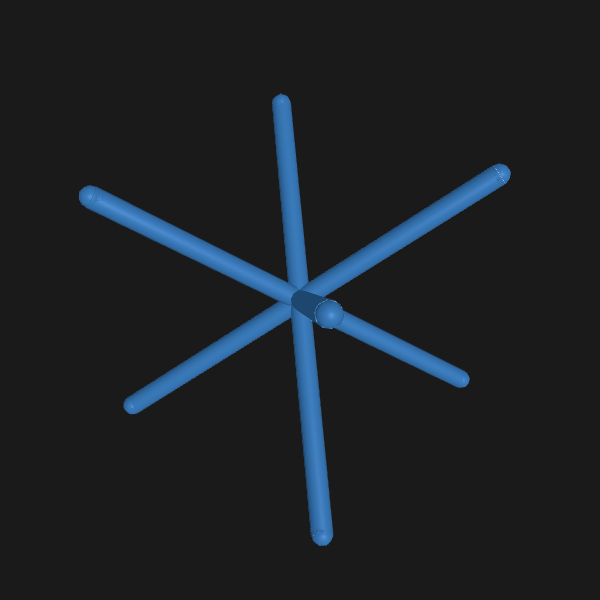
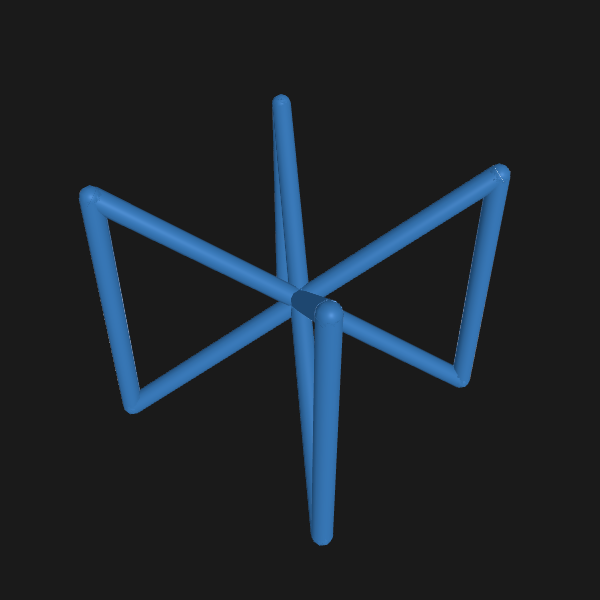
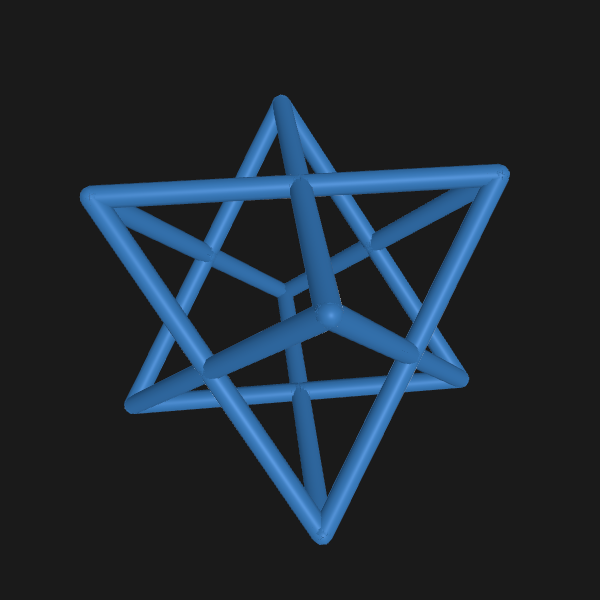
Select one of nine TPMS or five truss lattice structures.
Define the unit cell, cell counts by axis, and wall thickness or strut diameter.
Rotate and zoom to review the overall form and surface.
Save the result and continue to design or fabrication.
ONE WORKFLOW · TWO EXPERIENCESSEE IT IN ACTION
Watch a complete Lattiform 3D workflow—from choosing a structure and adjusting dimensions to reviewing the result.
MADE FOR MORE PEOPLE
Explore lattice geometry and principles before committing to a complex CAD learning curve.
Turn TPMS equations and truss concepts into interactive 3D structures.
Shape ideas quickly, move them into a slicer, and test printing conditions.
Launch hands-on lattice design activities with a short introduction.
Compare structures and dimensions rapidly before detailed CAD and simulation work.
APPLICATION FIELDS
From biological culture systems and catalysts to environmental filters, lightweight structures, and energy devices—build the geometry you need and move quickly into the next research or design stage.
Explore porous structure concepts for flow and mass transfer inside cell and tissue culture systems.
Develop early concepts for catalyst supports with high specific surface area and controlled reactant pathways.
Compare pore networks and flow paths for filters and aerosol-capture media.
Generate repeatable lattice concepts that reduce mass while supporting required stiffness.
Explore internal structures for electrode support, cooling, and mass transport.
A structure concept created in Lattiform 3D can be refined for materials, boundary conditions, and manufacturing processes, then extended into simulation, experimentation, and product design across engineering disciplines.
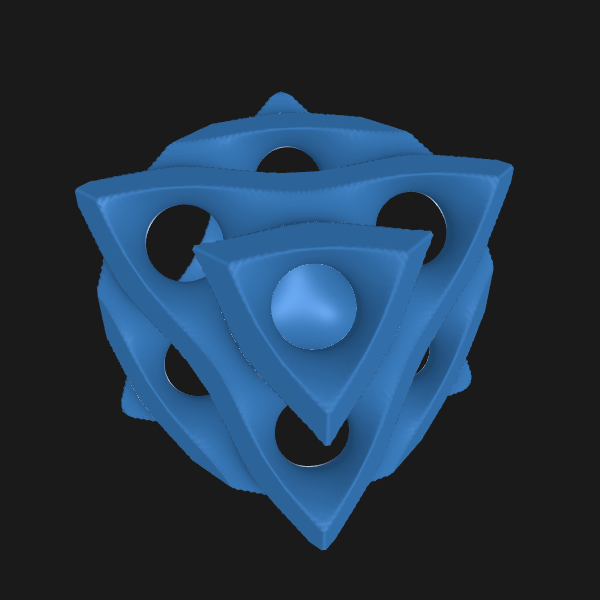
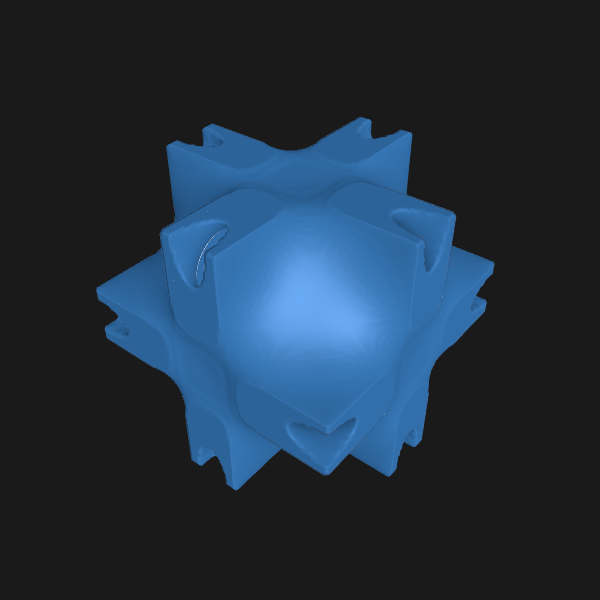
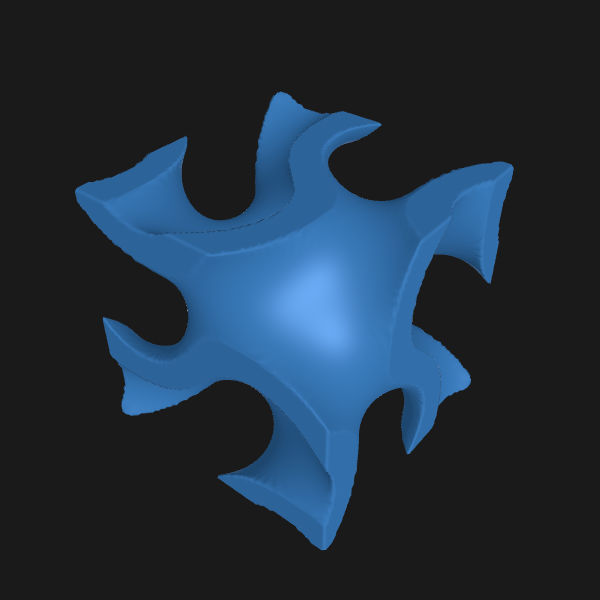
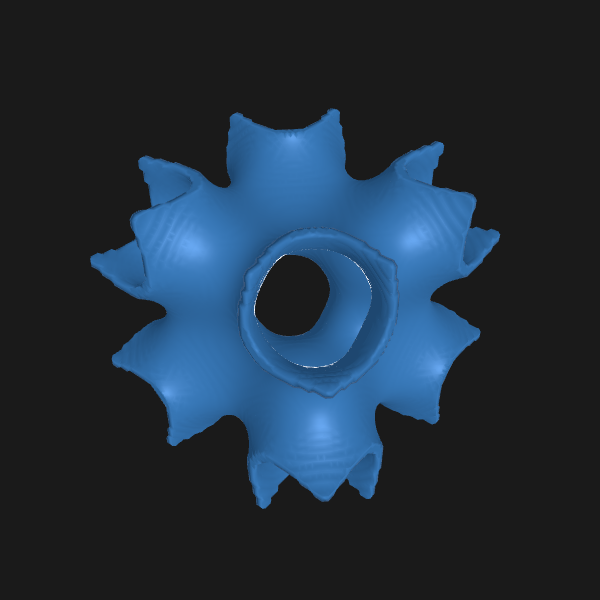
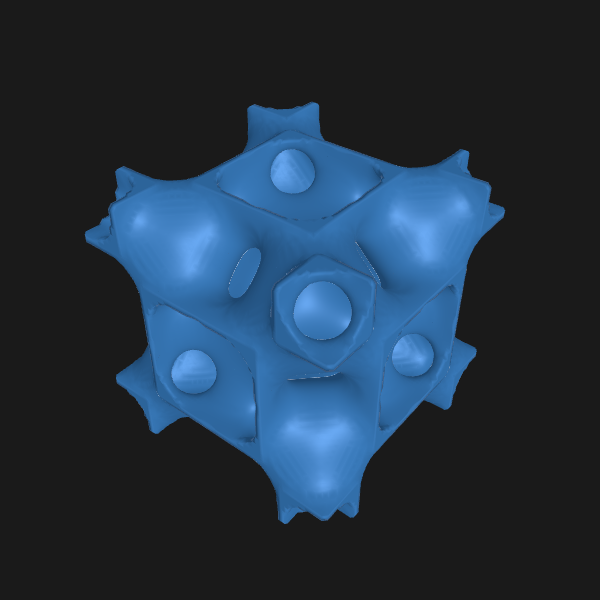
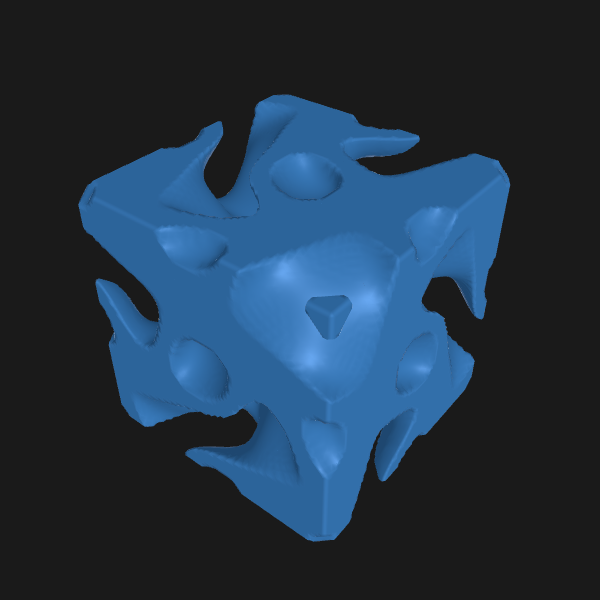
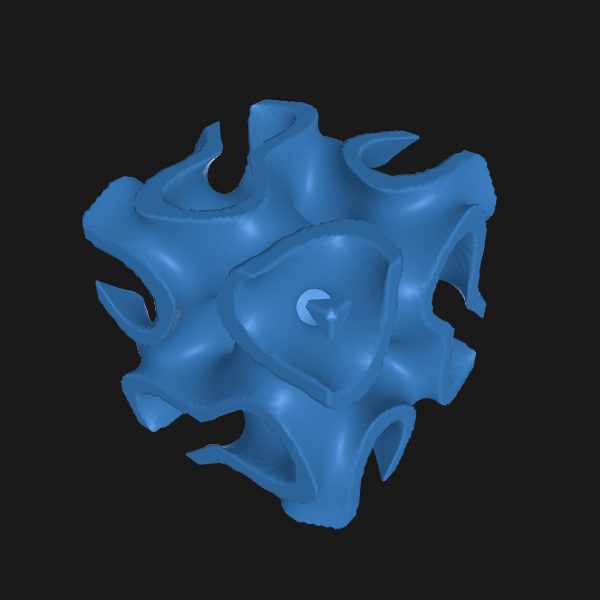
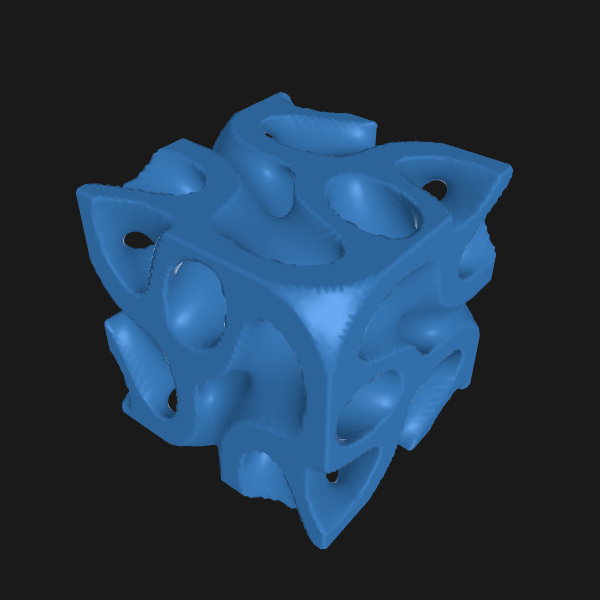
TPMS & TRUSS LATTICE
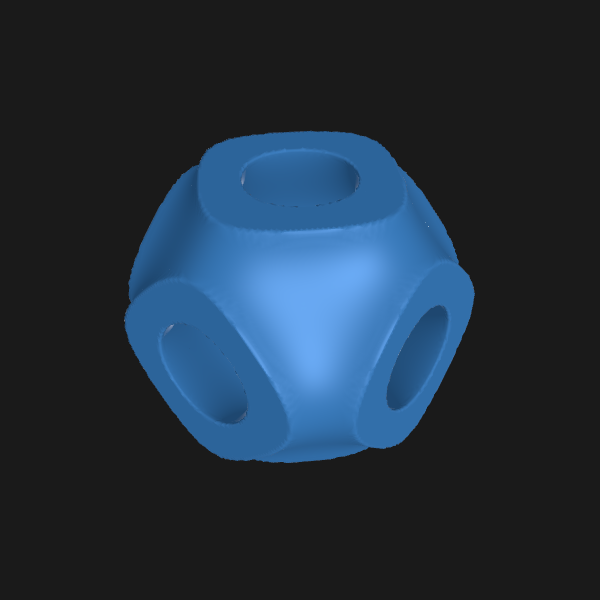
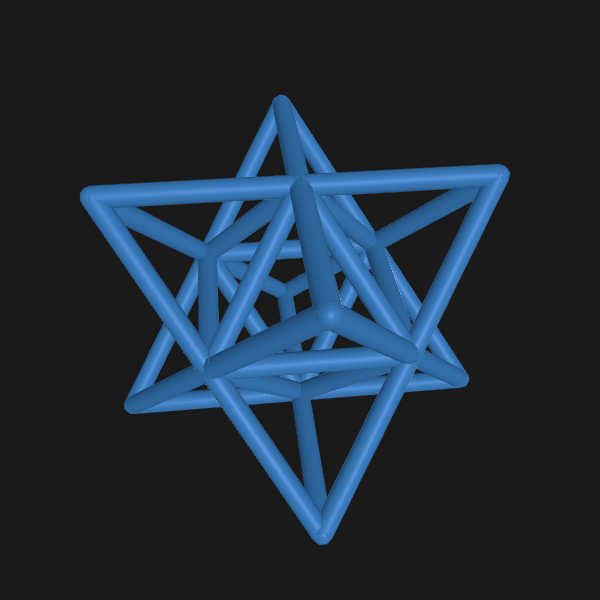
Compare smooth-surface TPMS and straight-strut trusses to find the right starting point for your objective and idea.
START WITH A SHAPE
Set Box dimensions with X, Y, and Z cell counts; size Sphere, Cylinder, and Cone forms by radius and height.
Set cell counts independently along the X, Y, and Z axes
Generate a spherical lattice from its radius
Generate a cylindrical lattice from radius and height
Generate a conical lattice from radius and height
REAL-TIME 3D PREVIEW
After generation, rotate and zoom to inspect surfaces, repeating cells, and overall proportions from multiple angles.
FROM MOBILE TO YOUR WORKFLOW
The generated model is a starting point. Save or share the STL, then bring it into CAD, a slicer, or a 3D-printing workflow.
Lattiform 3D does not automatically insert a lattice inside an arbitrary existing model. Use the exported STL in your downstream tools.
EXPORT PRO
Your first two successful STL exports are free. After the free exports are used, an annual Export Pro subscription is required for additional STL exports.
PRINT GUIDANCE
Enter your printer XY resolution to receive a recommended minimum wall thickness or strut diameter at four times that resolution, with warnings for settings that may be too thin.
Import .step, .stp, and .stl files for 3D viewing on mobile and PC, then export them as STL.
The interface is available in Korean, English, Chinese, and Japanese.
Explore quickly on mobile or use the wider PC workspace for detailed information and controls.
Use the complete workflow from structure generation to STL export and share your experience.
FAQ
No. Lattiform 3D is a fast concept-generation and exploration tool for basic lattice structures. Use dedicated CAD and engineering-analysis tools for detailed assemblies, simulation, and post-processing.
The current workflow generates lattice structures in Box, Sphere, Cylinder, and Cone shapes. Export the STL and combine it with an existing design in a CAD or slicer application.
No. The value is a reference calculated from the printer XY resolution you enter. Actual results depend on the printer, resin, exposure, orientation, supports, and post-processing.
You can import STEP (.step, .stp) and STL files for 3D viewing. Generated or imported models can be exported as STL files.