
ANDROID · MOBILE IMAGING
cellamount scope mobile — Observation, on the go.
Wettability in focus.
Record photos, video, and time-lapse sequences on your phone. Explore contact angles around drops and fibers, bringing capture and analysis into one mobile workflow.
Google Play registration in progress
01 / CAPTURE & TIME-LAPSE
From a single frame
to change over time.
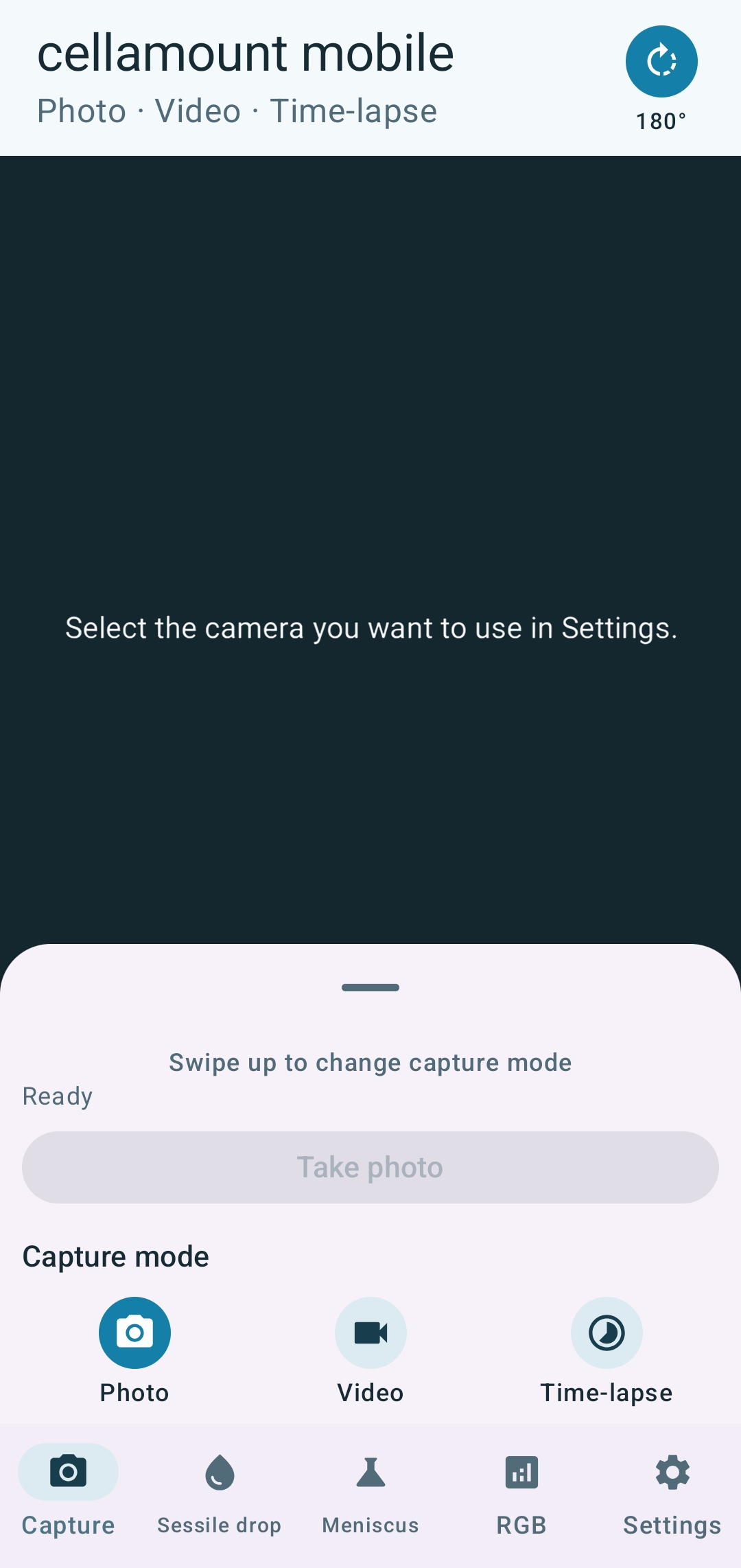
Choose photo, video, or time-lapse mode to record your observation. Swipe up the capture panel to change modes and prepare the camera input that suits your setup.
The screenshot shows the capture interface before a camera is selected.
02 / CONTACT ANGLE · SESSILE DROP
Explore surface wettability
through a sessile drop.
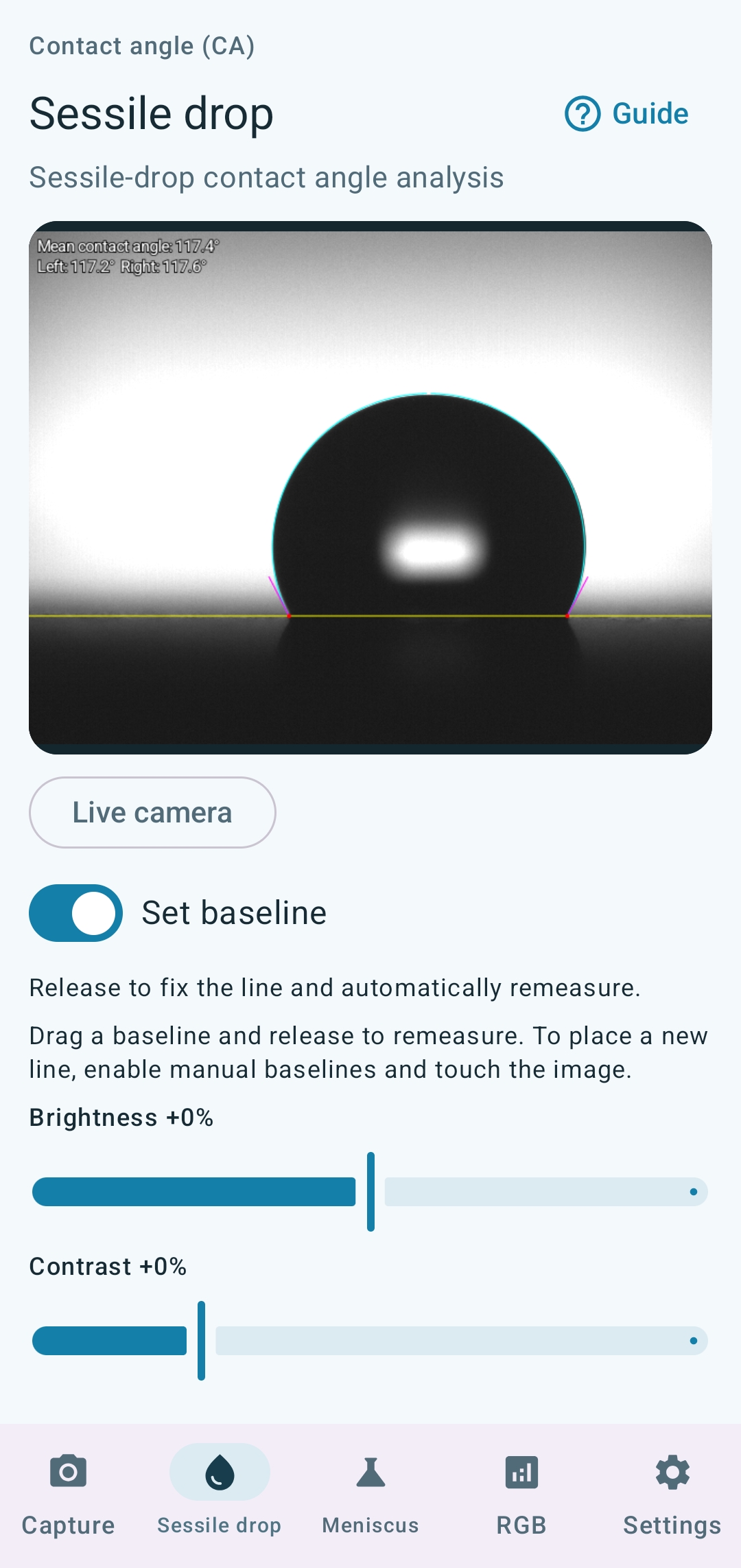
Inspect a drop’s contour and baseline on a flat surface, then compare left and right contact angles. Adjust the baseline on screen and remeasure to examine the contact region.
- Review left, right, and mean contact angles
- Set and adjust the baseline manually
- Inspect results with contour and tangent overlays
03 / CONTACT ANGLE · MENISCUS
The meniscus around a fiber
reveals wetting behavior.
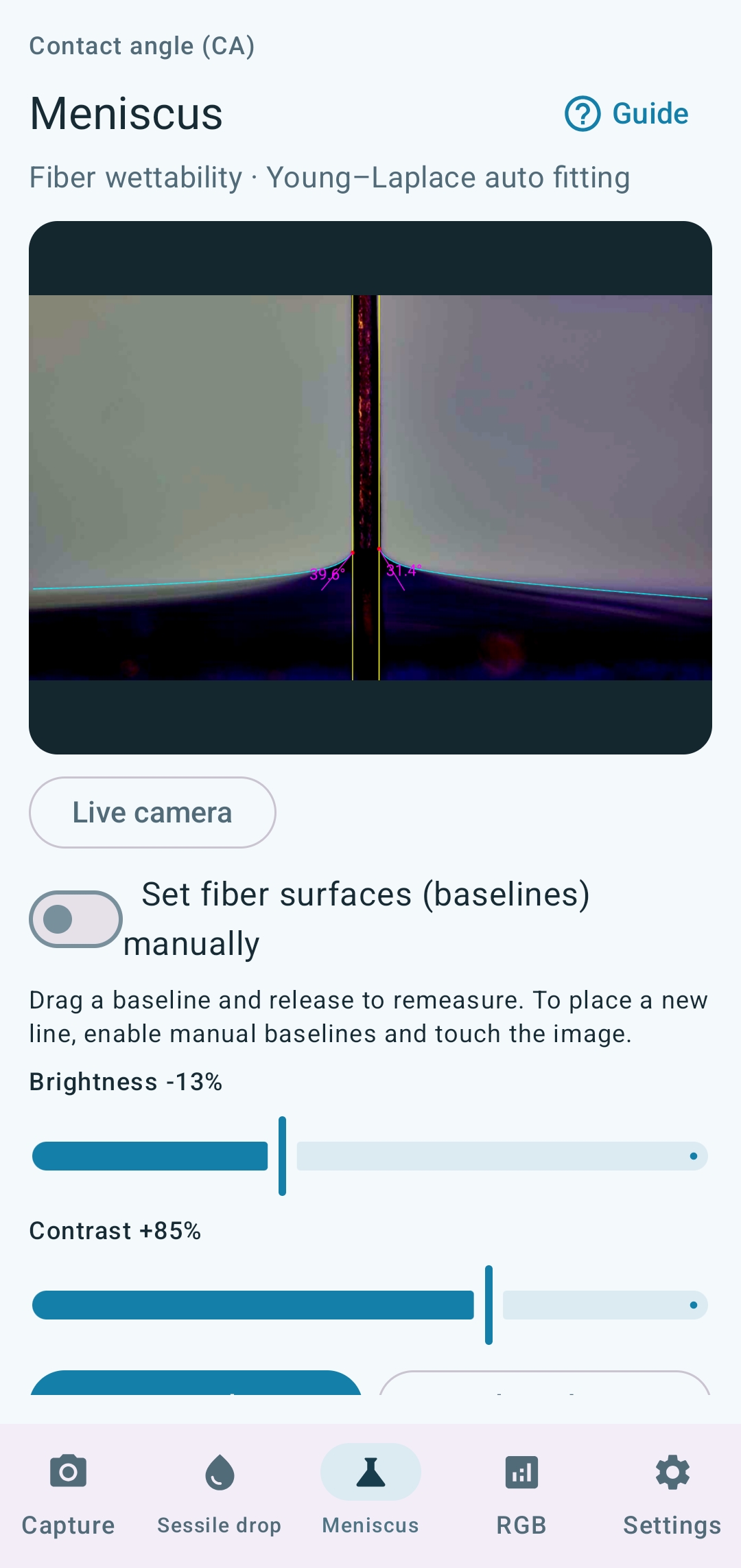
Observe the meniscus around a thin fiber and analyze the contact region using Young–Laplace automatic fitting. Complement sessile drop analysis when exploring wettability in education and research.
- Inspect the meniscus contour on each side of a fiber
- Adjust fiber-surface baselines manually
- Review the overlay and left and right contact angles
04 / CAMERA & SETTINGS
Set up for the way
you observe.
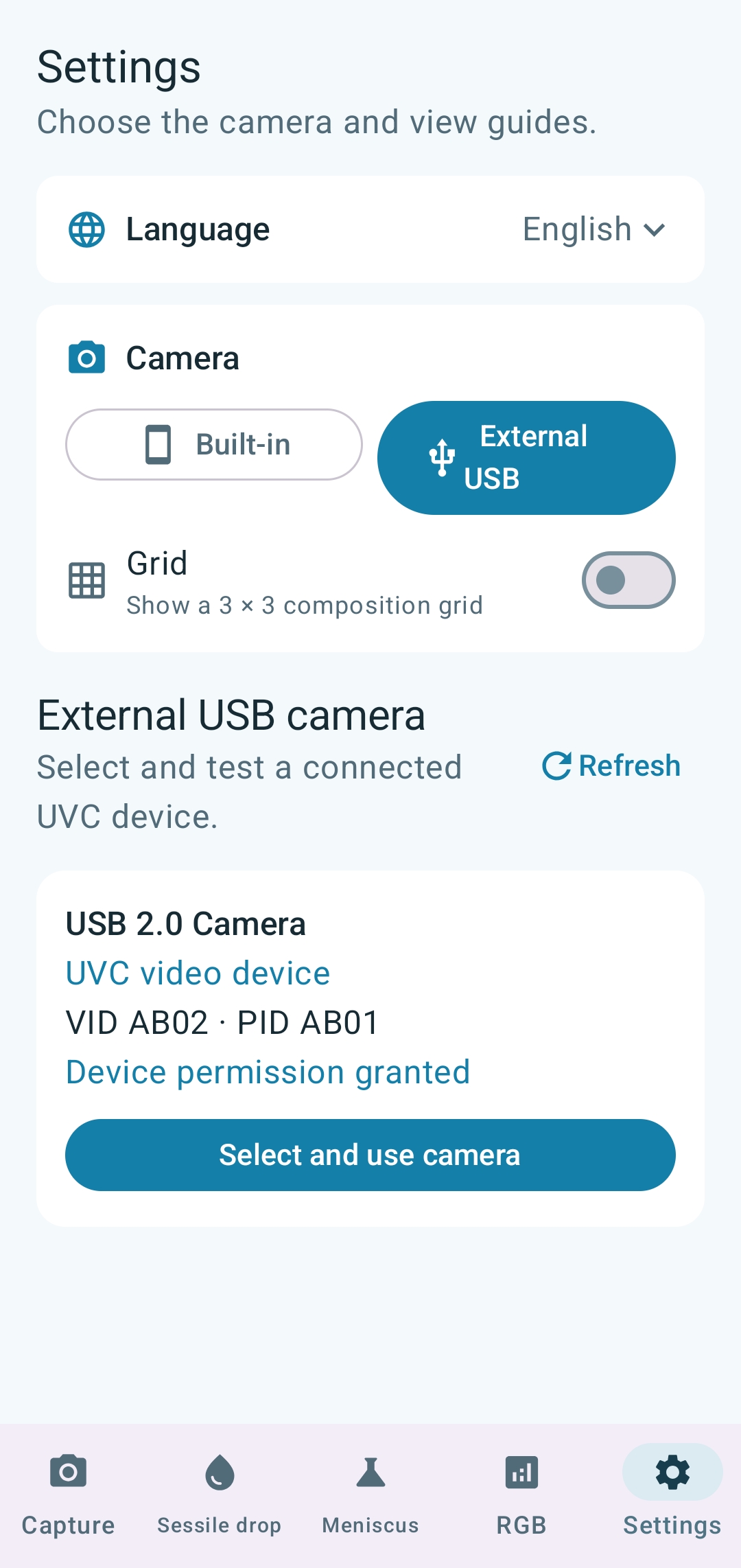
Choose between the phone’s built-in camera and an external USB camera. Check the connected UVC device and permissions, and configure the language and composition grid.
USB camera availability depends on the phone, operating system, camera, and connection setup.
FOR EDUCATION & RESEARCH
Bring observation
into your mobile workflow.
Tell us about your imaging setup and intended use to discuss adoption and release availability.